clawtotalk.com
OpenClaw Connection Guide (tailnet setup)
Connect your phone app to an OpenClaw gateway running on your Tailnet.
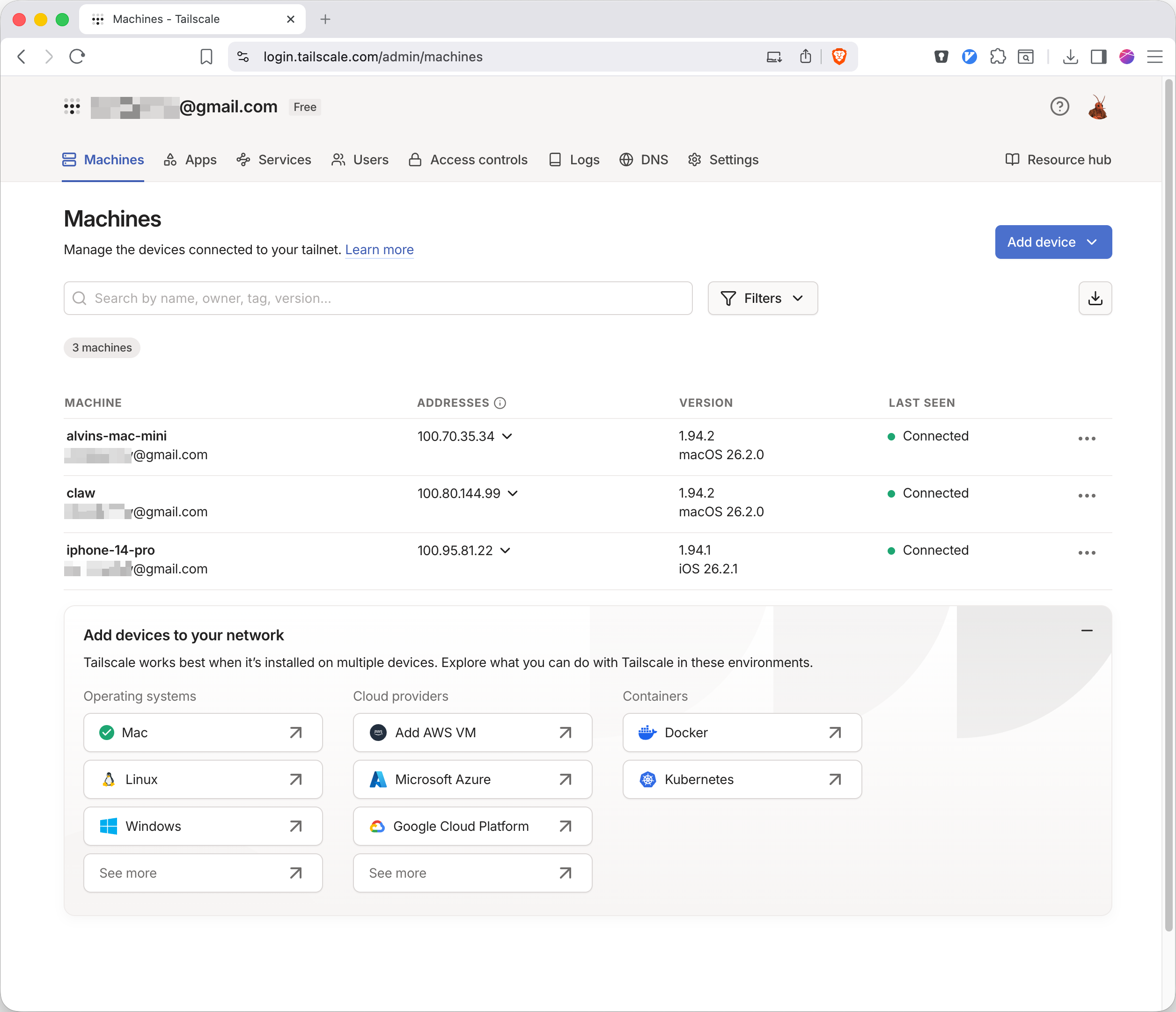
1) Join the same Tailnet
Connect both devices to Tailscale : your phone (running Claw To Talk) and the machine running OpenClaw.
2) Configure OpenClaw gateway
In
~/.openclaw/openclaw.json, ensure your gateway has these values:"gateway": { "port": 18789, "mode": "local", "bind": "loopback", "auth": { "mode": "token", "token": "xxx" }, "tailscale": { "mode": "serve" } }3) Enable Tailscale Serve (required)
Run this on the OpenClaw host:
tailscale serve --bg --yes 18789
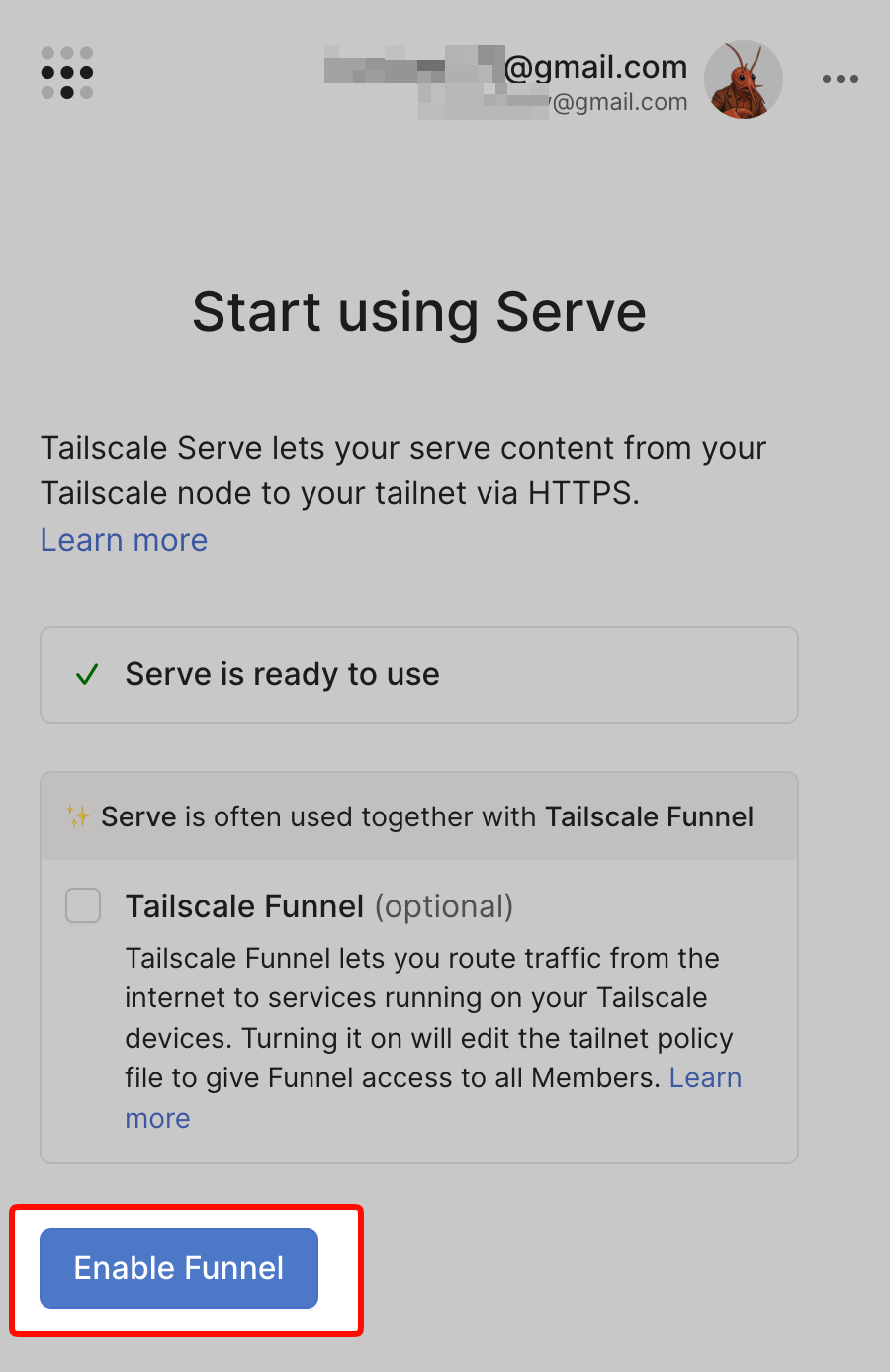
On first run, Tailscale will show a message that Serve is not enabled for your tailnet and give you a link to enable it.
Serve is not enabled on your tailnet.
To enable, visit:
https://login.tailscale.com/f/serve?node=<your-node>
Open that link and enable Tailscale Serve for your tailnet. Tailscale Funnel is not required for this setup.
4) Restart and verify Serve
Restart gateway, then verify the Serve mapping:
openclaw gateway restart

tailscale serve status
https://claw.tail71eed9.ts.net (tailnet only)
|-- / proxy http://127.0.0.1:18789
In Claw To Talk, use your Tailscale domain over secure WebSocket (for example,
wss://claw.tail71eed9.ts.net).You can copy your gateway token from
~/.openclaw/openclaw.jsonor ask your OpenClaw agent for it.5) Pair and approve the device
On first connect, the app requests pairing. Approve the request from your OpenClaw host:
openclaw devices list
openclaw devices approve <device-id>
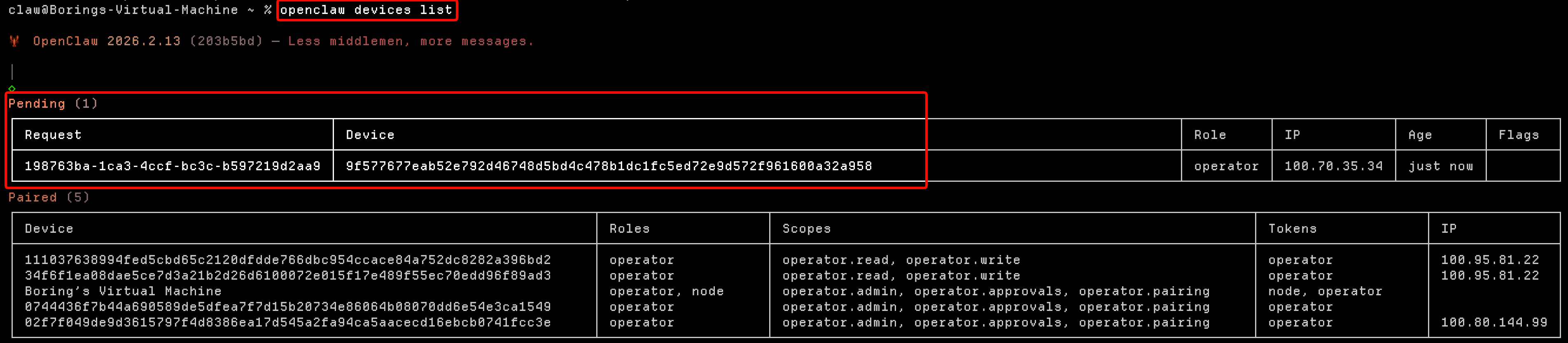
After approval, retry connect in the app.
6) Add ElevenLabs API key (recommended)
For better voice quality and lip sync, add an ElevenLabs API key in Settings -> ElevenLabs API Key.
Claw To Talk still supports native device TTS without this key, but ElevenLabs is strongly recommended for the best result.
Setup complete? Share a quick review.
If this guide helped, your rating helps other OpenClaw users find Claw To Talk sooner.
contact: [email protected]